


Trustins is an insurance company Bricks Builder template for WordPress, made for agencies, brokers and insurers that sell life, health, auto and home cover. It includes 9 page templates: Home, About Us, Services, Service Details, Pricing, Team, Careers, Help Center and Contact Us. A header, footer, video popup and mobile menu popup complete the kit.
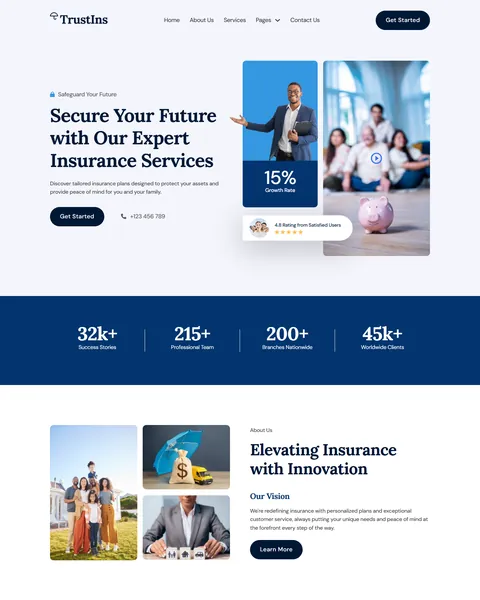
The demo opens with “Secure Your Future with Our Expert Insurance Services” beside photos of a smiling family. A Get Started button and a phone number sit below. Deep navy, cool gray and plenty of white space give your agency a steady, trustworthy and modern look.
Trustins is built with native Bricks elements, including its contact forms. Its setup guide also lists the free MoreConvert WooCommerce Wishlist plugin. Bricks itself is a premium theme and is not included.

Quick Template Details
- Template Name: Trustins
- Template Type: Full website template kit
- Required Theme: Bricks (Premium, not included)
- Listed Plugin: WooCommerce Wishlist (Free)
- Premium Plugins Required: No
- Page Templates: 9, plus header, footer, a video popup and a mobile menu popup
- Forms: Built-in Bricks contact forms
- Responsive: Desktop, Tablet, Mobile
- Coding Required: No
Who Is This Insurance Company Bricks Builder Template For?
- Multi-line insurance agencies. Life, health, auto and home insurance are ready as four services with icons.
- Independent brokers. A three-step “How It Works” path explains how you compare plans and enroll clients.
- Regional insurance companies. Counters for branches, clients and team size plus a Careers page suit a growing company.
- Life insurance specialists. The Service Details page already compares term and whole life cover.
- Agencies with many existing policyholders. A Help Center page covers payments, data security, account settings and claim guides.
Selling only health plans instead? Our Health Guard health insurance Bricks Builder template is a better fit.
See Every Page in the Trustins Insurance Company Bricks Builder Template
Nine demo pages are below. Click any page to open it in the live demo.
Four Insurance Lines With a Detailed Service Page
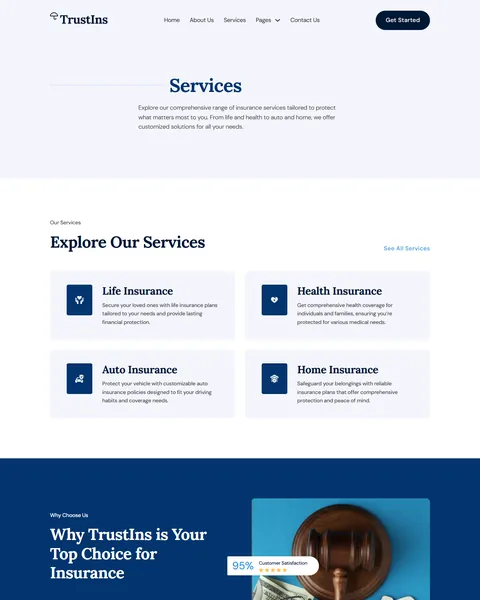
The Services page and homepage present life, health, auto and home insurance in four icon cards, each with a short promise and a link. A “Why TrustIns is Your Top Choice” section follows with experience, coverage and customer focus, next to a customer satisfaction counter.
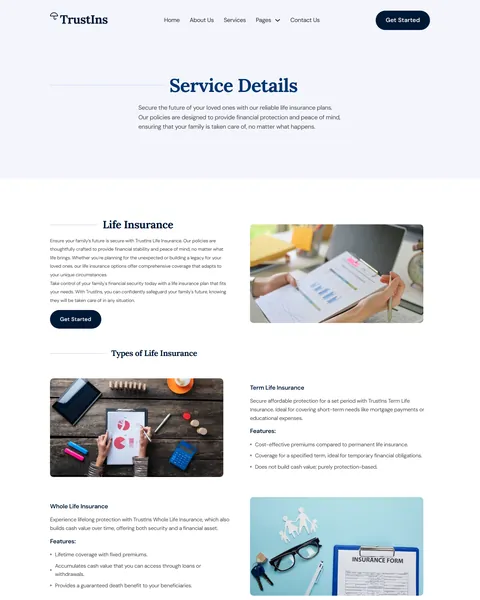
The Service Details page, shown for life insurance, explains the product in plain words with a Get Started button. Term life and whole life each get their own block with photos and a short feature list, such as fixed premiums or cash value. A client quote, the other services and an FAQ close the page.
Yearly Plans and a Three-Step Process
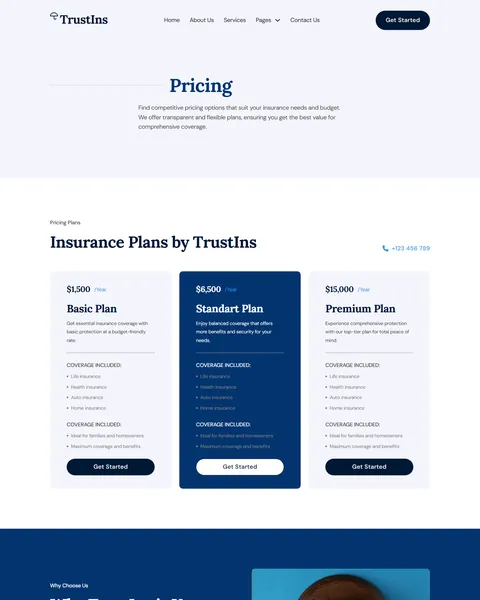
People comparing insurance want a price range before they call. The Pricing page shows Basic, Standard and Premium plans priced per year, with the covered lines and who each plan suits. The middle plan is highlighted in navy so visitors notice it first.
“How TrustIns Insurance Works” then walks through three numbered steps: consultation and assessment, customized plan selection, and enrollment with coverage activation. Each step has two short points. A note that an expert answers questions after every step removes the fear of a confusing sign-up.
A Help Center for Policyholders
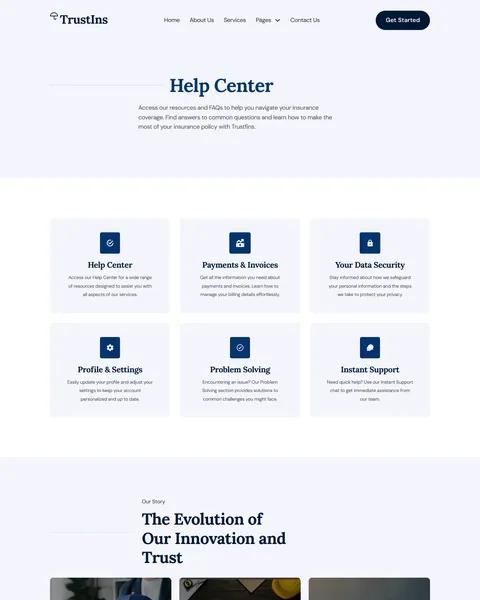
Most insurance templates stop at selling. Trustins adds a Help Center page with six topic cards: help center, payments and invoices, data security, profile and settings, problem solving and instant support.
Below the cards, three video thumbnails cover insurance coverage explained, filing a claim step by step and understanding policy features. Each opens in a video popup. A five-question FAQ about claims, premiums, custom policies and coverage start dates then answers the questions your support staff hear every day.
Careers, Team, About and Contact
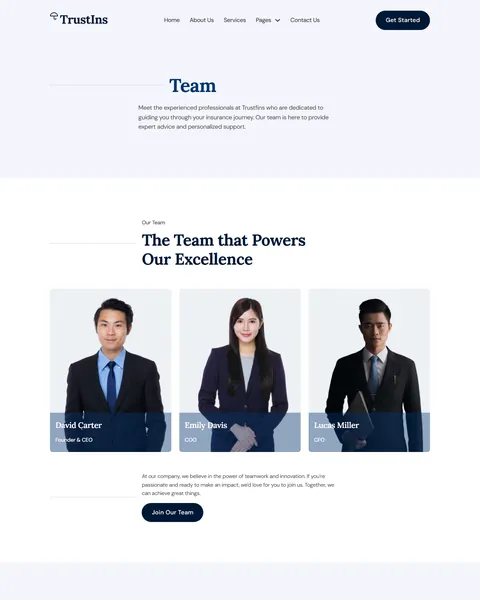
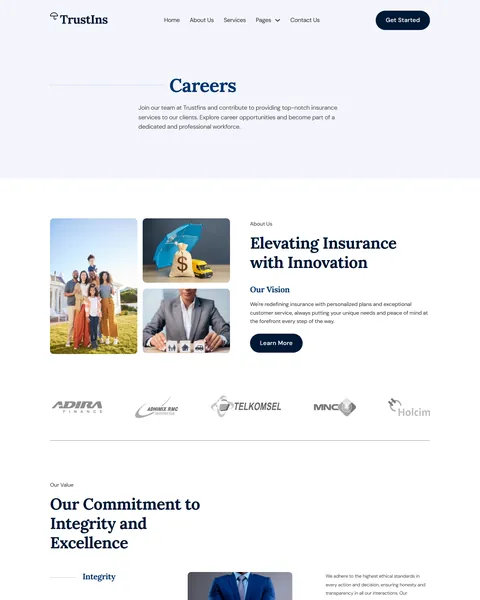
The Careers page lists six open roles with salary ranges and Full-time, Part-time and Remote tabs. An employee quote and a three-step “How to Apply” guide follow. The Team page and About page introduce three leaders with photos and short bios.
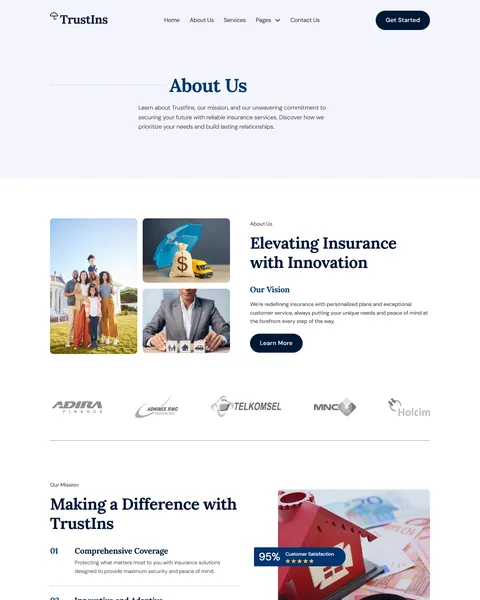
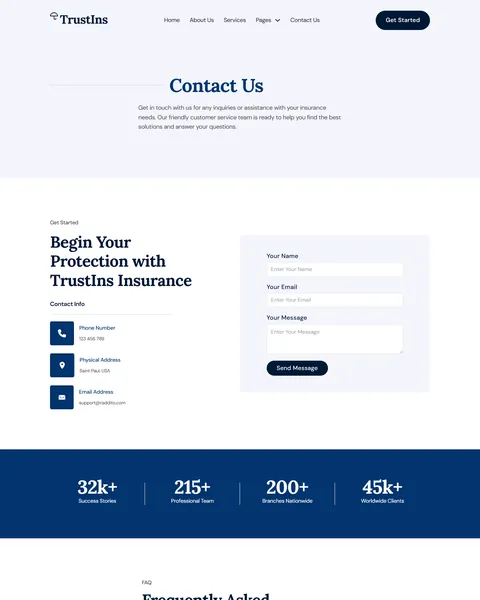
About Us also shares your mission, story and values, plus a row of partner logos. The Contact page shows phone, address and email cards beside a name, email and message form, followed by counters and the FAQ.
Research-Driven Design for Insurance Companies
We looked at how people choose an insurer online. They are protecting their family, home or car, so they look for stability, clear plans and proof that real people will help when something goes wrong. They also compare several companies before they call. This insurance company Bricks Builder template is designed to look established, explain cover simply and keep the next step close.
Deep navy and cool gray. Deep navy, #001835, fills the headlines, buttons and counter band. Navy is common in finance and insurance because it suggests stability and trust. Cool gray, #828284, keeps body text soft, and pale backgrounds separate each section without visual noise.
Lora and DM Sans. Lora headlines are a classic serif that feels established, like a policy document from a respected company. DM Sans body text stays clean and modern, so plan details and FAQ answers read easily on any screen.
Family-focused photography. Smiling families, a piggy bank, a small house and a gavel connect each section to what clients want to protect. Replace them with photos of your own team and local clients for stronger trust.
Proof in numbers. Counters for success stories, team members, branches and clients appear on the homepage and Contact page. A 4.8 rating badge and three client quotes add social proof before anyone asks for a quote.
Rounded pill buttons. Fully rounded Get Started buttons in navy look friendly and stand out against white sections, so the main call to action is never hard to find.
Mobile friendly. On phones, the menu opens as a popup, plan cards stack into one column and the contact form stays easy to complete. Many people research insurance on their phone in a spare moment.
What’s Included With the Trustins Bricks Builder Template
- 13 Bricks templates. Home, About Us, Services, Service Details, Pricing, Team, Careers, Help Center and Contact Us, plus header, footer, a video popup and a mobile menu popup.
- Theme Style file. Global colors, typography and buttons in one JSON file.
- Assets folder. The images, icons, partner logos and logo files the templates reference.
- READ_ME guide and changelog. Setup steps and the version history, with the latest update on October 1, 2025.
Need help with the template files? Our product support team can help. If you would rather have the whole website built with your own plans, team and branding, see our done-for-you website service.
How to Import the Trustins Insurance Company Bricks Builder Template
Install the listed wishlist plugin only if you plan to add a shop, then follow these steps:
- In Bricks > Settings > General, enable custom breakpoints, SVG uploads and smooth scroll (CSS), then save.
- In the builder’s breakpoint settings, set Tablet Portrait to 1025px and Mobile Landscape to 769px.
- Go to Bricks > Templates and import the templates zip file.
- Import the Theme Style and set its condition to the entire website or individual pages.
- Save and refresh, then link the mobile menu popup to the header icon and set the email address for each contact form.
The video below walks through a full Bricks site import. It also shows WooCommerce steps, which you can skip because Trustins does not use WooCommerce.
Trustins vs Other Bricks Options for Insurance Websites
Comparing ways to build an insurance company website in Bricks? Here is how Trustins compares with other popular options online.
| Trustins | Other popular Bricks template libraries online* | |
|---|---|---|
| Complete insurance company website | Yes, ready to import | No, all three are libraries of sections |
| Help Center page for policyholders | Yes | Not as ready pages on any of them |
| Careers page with job listings | Yes | Not as ready pages on any of them |
| Life, health, auto and home insurance services | Yes | Not mentioned on any of them |
| Same design also sold for Elementor | Yes | No, not on any of them |
Why insurance agencies choose Trustins:
- Made for insurance. Plans, process, claims help and FAQ are ready.
- No paid add-ons. Forms and popups use native Bricks elements.
- One payment. $19.90 once, with no yearly plan.
*We compared Trustins with two paid Bricks layout libraries and a free community Bricks template library, each listed on its own website. Details come from each product page on October 26, 2026. Prices and features may change.
More Insurance and Finance Templates by Raddito
Prefer Elementor? Trustins is also available as an insurance company Elementor template kit with the same look. If you focus on health cover or financial advice, compare these Bricks options.
Health Guard – health insurance Bricks Builder template kit
Best for health insurance agencies and brokers.
10 pages · Bricks with JetFormBuilder · Live Preview
Lifeguard – medical insurance Bricks Builder template kit
Best for medical insurance consultants and advisors.
11 pages · Bricks with JetFormBuilder · Live Preview
Relvise – financial consulting Bricks Builder landing page
Best for financial advisors and consultancies.
Single landing page · No extra plugins · Live Preview
Want more choices? Browse our finance and law website templates or every WordPress Bricks Builder template we sell.
Frequently Asked Questions
Is Trustins a WordPress theme?
No. Trustins is an insurance company Bricks Builder template, a set of layouts you import into Bricks. Bricks is the theme, and you need your own Bricks license.
Do I need the WooCommerce Wishlist plugin?
Only if you add a shop. The setup guide lists this free plugin, but the demo pages have no products, so an agency site works without it.
Can visitors request a quote online?
Yes. The contact form emails each request to you. You can also link the Get Started buttons to your own quote tool or rating engine.
Can I add more insurance types?
Yes. Add a card for travel, business or pet insurance, then duplicate the Service Details page and update its text and photos.
Can I show prices per month instead of per year?
Yes. Edit the plan prices and labels on the Pricing page, or replace them with “from” prices if your rates depend on each client.
Can I remove the Careers or Help Center page?
Yes. Delete any page you do not need and remove its link from the header menu. The other pages keep working as before.
Should I replace the sample figures and reviews?
Yes, please. The counters, rating, plan prices, salaries and client quotes are placeholders, so use only your own real details and licensed products.