


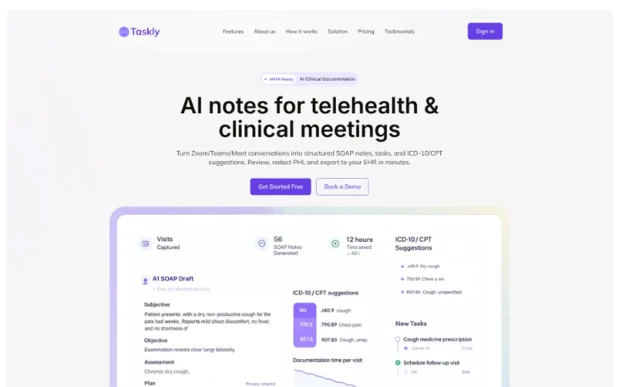
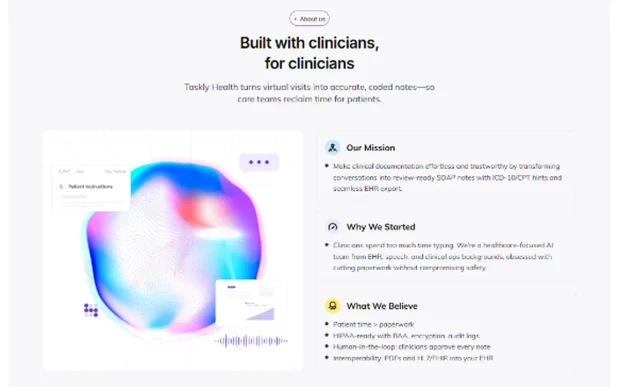
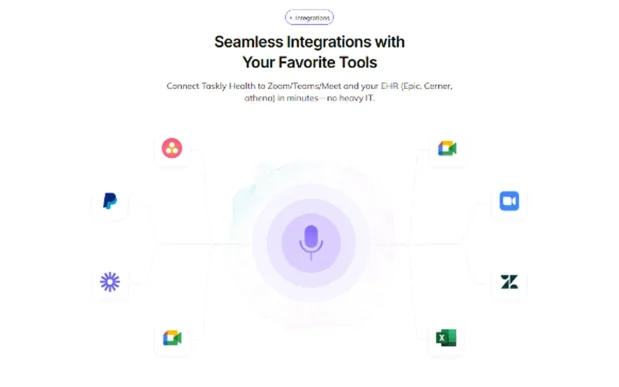

Taskly is crafted with WordPress Elementor Builder, providing everything you need to create a responsive, high-impact landing page with ease. Whether you’re promoting SAAS note taker tools, agency productivity solutions, consultation platforms, or IT technology services, your landing page is the first place visitors explore to discover your expertise, learn about your offerings, and take action. It must present your services clearly, build confidence with a clean, modern, minimalistic, colorful design, and drive engagement. That’s where Taskly, a Landing Page Template from Raddito, excels.
At Raddito, we’ve also developed this Taskly design for other platforms to suit your needs. If you prefer HTML Tailwind CSS, check out the Taskly – SAAS Note Taker HTML Tailwind CSS Landing Page. For Breakdance Builder users, we offer the Taskly – SAAS Note Taker Breakdance WordPress Landing Page. And for Bricks Builder fans, there’s the Taskly – SAAS Note Taker Bricks WordPress Landing Page. Each provides the same refined aesthetic and strong functionality from Raddito, customized for your tools.
Moreover, we at Raddito offer custom template design to realize your unique vision. Have a distinct idea for your SAAS note taker landing page? Get in touch and let’s bring it to life!
In this guide, I’ll walk you through why the Taskly – SAAS Note Taker Elementor Landing Page Template is a top choice for your business, highlight its essential features, and demonstrate how it saves time while delivering an outstanding online experience.
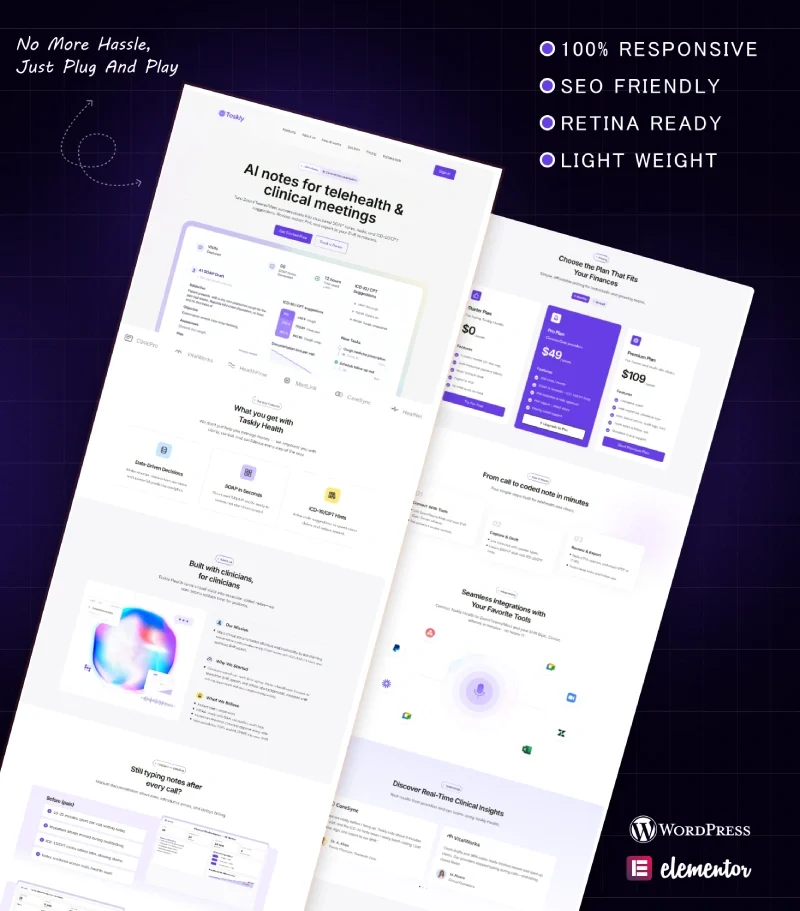
Taskly, a Landing Page Template from Raddito, isn’t just another landing page. It’s crafted for SAAS note taker services. Whether you’re promoting productivity tools, agency platforms, or IT consultation solutions, this template combines a clean, modern, minimalistic, colorful style with practical features to spotlight your business.
Its edge comes from its smooth integration with Elementor Builder within WordPress. Elementor delivers a visual, drag-and-drop editor for designing your landing page without coding, while WordPress provides flexibility and power. The Taskly template harnesses these to build a landing page that’s quick to launch and perfect for engaging visitors.
It’s optimized for performance too. This template loads swiftly, is SEO-optimized, and performs seamlessly across devices, enhancing your page’s search engine visibility and keeping visitors hooked. It’s built to make your SAAS note taker services stand out online. Let’s dive into its features.
The Taskly template from Raddito, built with WordPress Elementor Builder, includes features tailored for SAAS note taker landing pages. Here’s what you get:
It includes a dedicated landing page styled as a Home / Landing Page to connect with your audience and drive conversions.
This Landing Page Template from Raddito is ideal for various SAAS and technology professionals. Here’s who it’s perfect for:
Not using Elementor? We’ve got alternative versions of Taskly later in this guide.
With numerous templates out there, here’s why this one from Raddito is a standout:
Creating a landing page from scratch can take hours, and professionals can be pricey. The Taskly template gets your page ready in minutes with a pre-designed layout.
Custom landing pages can strain your budget, but this template delivers a polished look at a fraction of the cost, perfect for startups or small businesses.
With Elementor, you can adapt Taskly to your style. Edit the page visually without needing advanced coding skills.
A strong landing page captivates visitors. Taskly includes clear call-to-actions and a layout crafted to turn visitors into users.
SAAS trends evolve. This template uses modern tools like Elementor and receives updates to keep your page current.
Setting up your SAAS note taker landing page with Raddito’s Taskly template is straightforward, even for WordPress newcomers. Here’s how:
Here’s how to make your SAAS note taker landing page shine with Raddito’s Taskly template:
Not using Elementor? At Raddito, we’ve also crafted this Taskly design for other platforms:
Explore them at raddito.net to find the best fit for you.
At Raddito, we don’t just offer pre-built templates like Taskly. We also provide custom template design to match your exact needs. Want a unique SAAS note taker landing page? Get in touch today and let’s create it together!
We at Raddito are committed to helping businesses like yours stand out online. Creating a professional landing page can be tough, but our templates, like Taskly, make it simple and cost-effective. You get reliable products, support, and options for Elementor, Breakdance, Bricks, and HTML Tailwind CSS. For something bespoke, our custom template design service is ready. Reach out to learn more.
The Taskly – SAAS Note Taker Elementor Landing Page Template from Raddito is a top choice if you need a fast, professional landing page for your SAAS note taker services. It’s user-friendly, SEO-optimized, and blends a clean, modern, minimalistic, colorful design with practical features. Not using Elementor? At Raddito, we’ve also created this Taskly design in Breakdance, Bricks, or HTML versions. Need something unique? Get in touch to get started.
Grab the Taskly template from raddito.net today and launch your SAAS note taker landing page with confidence!
