


Medico is a medical supply store Bricks Builder template for WordPress and WooCommerce, made for online pharmacies, medical equipment shops, first aid stores and healthcare distributors. It includes 12 pages, such as Shop, Category, About Us, FAQ, Blog, Contact, Cart, My Account and Search Results, plus checkout, login and menu templates.
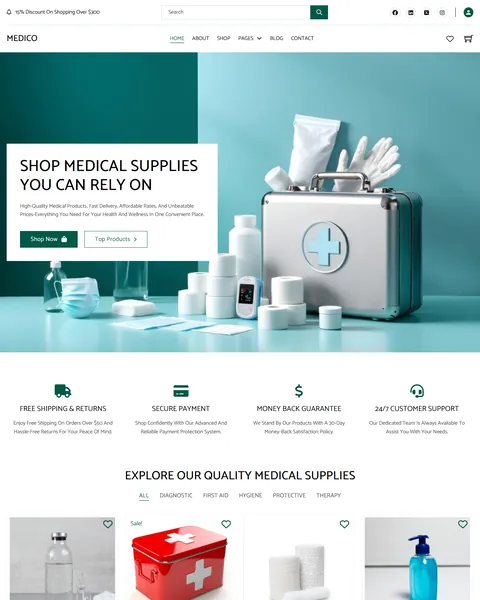
The demo opens with “Shop Medical Supplies You Can Rely On” beside a polished first aid case, masks and a stethoscope on a soft teal background. Shop Now and Top Products buttons sit below. Deep medical green, clean white and pale mint give your store a clinical, trustworthy and calm look.
Medico uses two free plugins: WooCommerce for the store and MC Wishlist for saved products. Bricks itself is a premium theme and is not included.

Quick Template Details
- Template Name: Medico
- Template Type: Full ecommerce website template kit
- Required Theme: Bricks (Premium, not included)
- Required Plugins: WooCommerce and MC Wishlist (both free)
- Page Templates: 12, plus header, footer and a mobile menu popup
- Demo Products and Wishlist Settings: Included as import files
- Responsive: Desktop, Tablet, Mobile
- Coding Required: No
Who Is This Medical Supply Store Bricks Builder Template For?
- Online pharmacies and drugstores. Hygiene, first aid and therapy categories cover everyday over-the-counter essentials.
- Medical equipment shops. Diagnostic devices such as blood pressure monitors, pulse oximeters and thermometers get large product photos.
- First aid and safety suppliers. First aid kits, bandages, gloves, masks and face shields fit protective equipment stores.
- Healthcare distributors. A five-category catalog with filters handles wide product ranges for clinics and businesses.
- Bricks developers with healthcare retail clients. A complete medical store with wishlist and demo products saves days of setup.
Selling wellness and personal care products instead? Our Wellivia healthcare store Bricks Builder template kit is a better fit.
See Every Page in the Medico Medical Supply Store Bricks Builder Template
Fifteen demo pages are below. Click any page to open it in the live demo.
Five Product Categories With Smart Filters
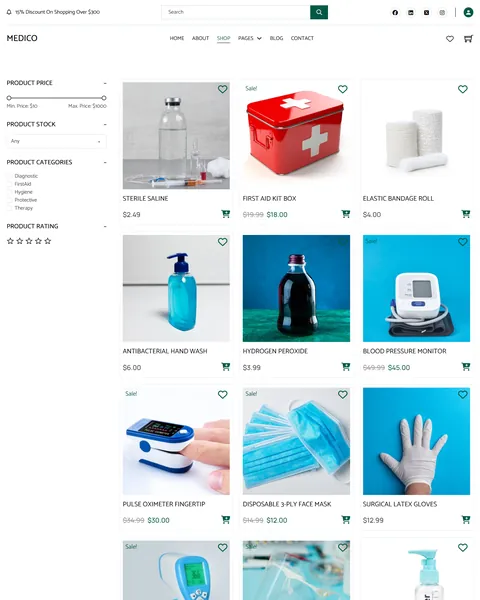
Buyers of medical supplies usually know exactly what they need. Medico organizes the demo catalog into five clear categories: diagnostic, first aid, hygiene, protective and therapy. The homepage’s “Explore Our Quality Medical Supplies” grid switches between them with tabs.
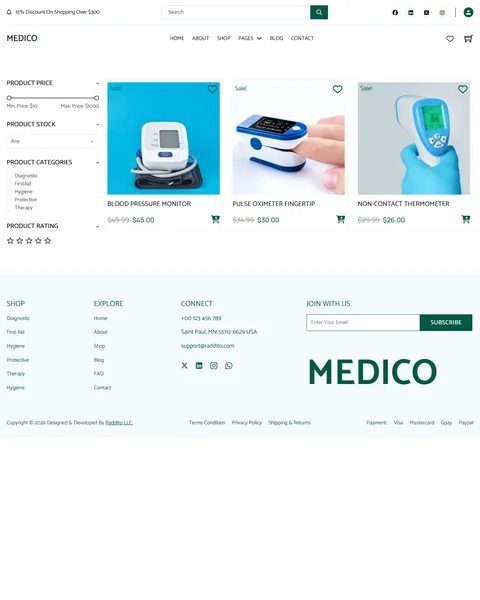
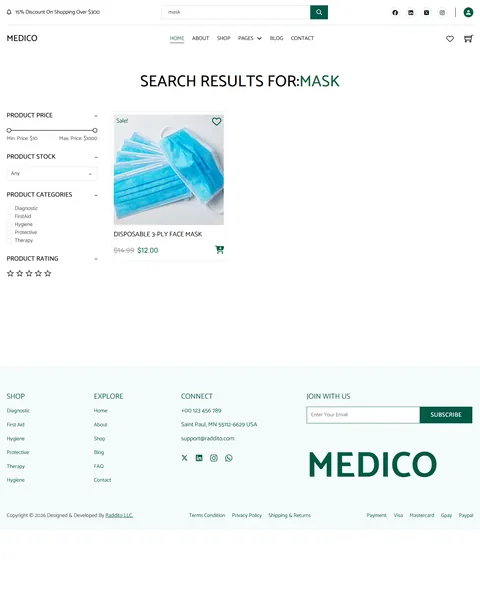
The Shop page and every category page share a filter sidebar with a price range slider, stock status, product categories and star rating. Sale badges and crossed-out prices make deals easy to spot, and heart icons on each card let shoppers save items to their wishlist.
Trust Signals on Every Page
Health products need extra trust. Right below the hero, four promises explain free shipping and returns, secure payment, a money-back guarantee and 24/7 customer support. A discount notice bar runs across the top of every page.
A “25% OFF” featured section spotlights a blood pressure monitor with a full description, beside two more discounted devices. “Top Selling Products” follows as social proof, and a footer with payment method icons, shipping and returns links reassures shoppers before they buy.
Product Pages Built for Details
Medical buyers read before they buy. Product pages show a large photo with a thumbnail gallery, the price with any sale saving, a short description and SKU. Description, additional information and review tabs sit below, with room for key features, benefits and usage instructions.
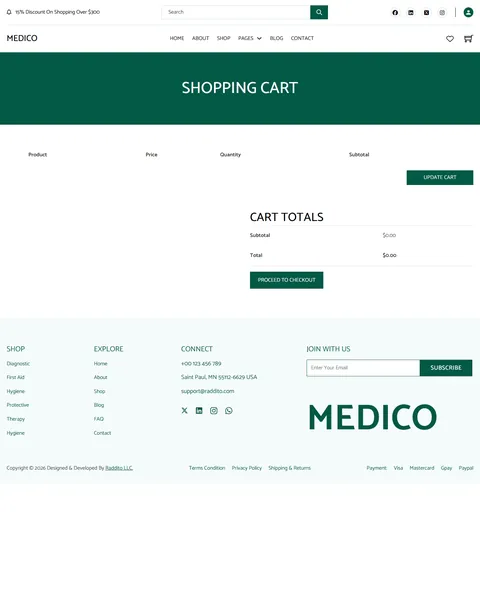
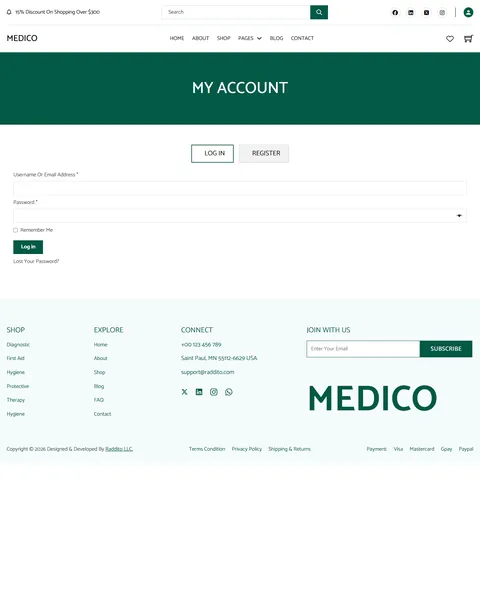
A “You Might Also Like” row suggests related items, such as gloves with face masks or a thermometer with a pulse oximeter. Styled Cart, Checkout and My Account pages keep the experience consistent from browsing to payment.
About, FAQ, Blog and Contact
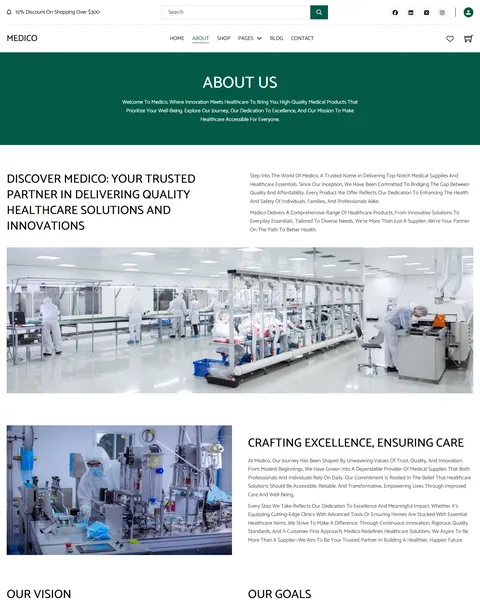
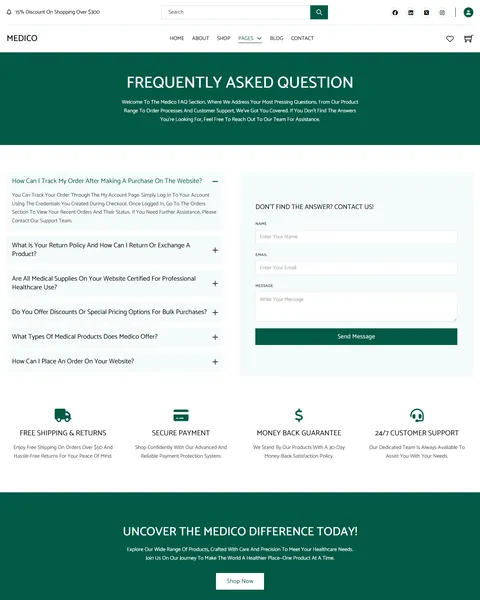
The About page tells your story with factory and laboratory photos, plus your vision and goals. The FAQ page answers order tracking, returns and exchanges, certifications, bulk discounts, product types and ordering, with a contact form beside the questions.
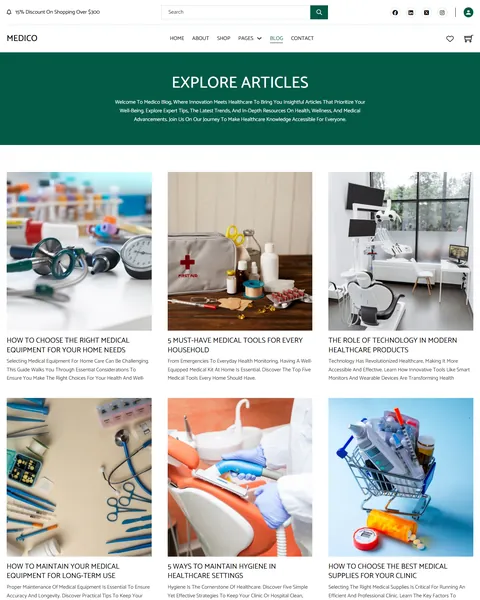
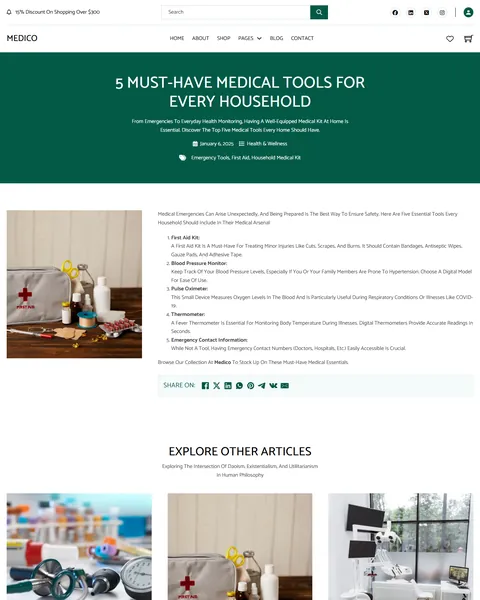
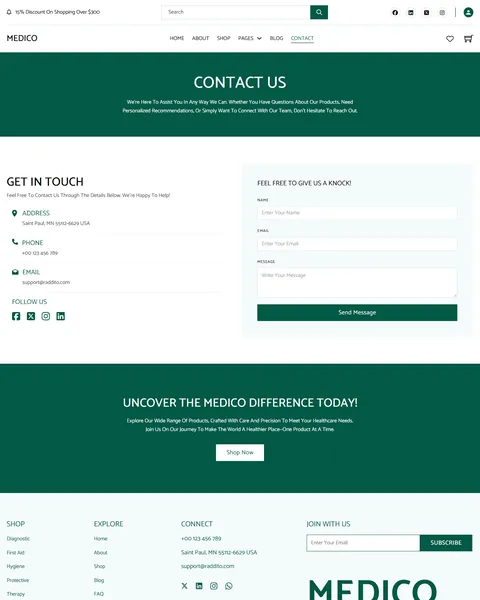
The “Explore Articles” blog shares buying guides and health tips in a three-column grid, and single posts include share buttons and related articles. The Contact page lists your address, phone, email and social links next to a message form.
Research-Driven Design for Medical Supply Stores
We looked at how people shop for medical supplies online. Some are caregivers buying for a family member, others are clinics restocking essentials. All of them care about product quality, clear specifications, fair prices, fast delivery and easy returns. They also want to trust that the store is legitimate. This medical supply store Bricks Builder template is designed to look clean and professional while making repeat orders quick.
Medical green and pale mint. A deep green, #035946, is used for buttons, banners and the logo and feels clinical and calm. Pale mint backgrounds frame the footer and trust sections without making the store feel sterile.
Catamaran throughout. Catamaran headings in uppercase feel clean and modern, and its body text stays very readable for product names, sizes and dosages.
Clear studio product photos. Supplies shot on bright teal and white backgrounds look clean and consistent. Keep the same style for your own catalog so every product card looks professional and easy to compare.
Promises up front. Shipping, payment security, guarantees and support appear before the products, answering the biggest worries of first-time buyers. A new customer who sees a clear return policy is much more likely to place a first order.
Easy repeat buying. A wishlist, account page and simple category navigation help regular customers reorder essentials in seconds. Caregivers and clinics often buy the same items every month.
Mobile friendly. On phones, the menu opens as a popup, product grids drop to fewer columns and filters stack above the products.
What’s Included With the Medico Bricks Builder Template
- 21 Bricks templates. Home, About Us, Shop, FAQ, Blog, Blog Details, Contact, Cart, Checkout and My Account, plus product archive, product search, blog archives, account login, a nothing found section, 404, header, footer and a mobile menu popup.
- Demo products. A WooCommerce import file that fills the store right away.
- MC Wishlist settings file. Import it to match the demo’s wishlist setup.
- Theme Style file. Global colors, typography and buttons in one JSON file.
- READ_ME guide and changelog. Setup steps, plugin links and the version history.
Need help with the template files? Our product support team can help. If you would rather have the whole store built with your own products and branding, see our done-for-you website service.
How to Import the Medico Medical Supply Store Bricks Builder Template
Install and activate WooCommerce and MC Wishlist first, then follow these steps:
- In Bricks > Settings > General, enable custom breakpoints, SVG uploads and smooth scroll (CSS), then save.
- In the builder’s breakpoint settings, set Tablet Portrait to 1025px and Mobile Landscape to 769px.
- Go to Bricks > Templates and import the templates zip file.
- Import the Theme Style and set its condition to the entire website.
- Import the demo products and the MC Wishlist settings, then link the mobile menu popup to the header icon.
The video below shows a complete Bricks site import, including the WooCommerce setup.
Medico vs Other Bricks Options for Medical Supply Stores
Comparing ways to build a medical supply store in Bricks? Here is how Medico compares with other popular options online.
| Medico | Other popular Bricks store options online* | |
|---|---|---|
| Design made for medical supplies | Yes | No, none of them is made for healthcare products |
| Ready homepage with trust promises and offers | Yes | Not all, two are libraries of sections |
| Wishlist settings file | Yes | Not mentioned on any of them |
| Styled shop, product, cart and account pages | Yes, all included | Not all, only one covers store pages |
| Same design also sold for Elementor | Yes | No, not on any of them |
Why healthcare sellers choose Medico:
- Clean and trustworthy. A clinical look with clear promises.
- Free plugins only. WooCommerce and MC Wishlist cost nothing.
- One payment. $19.90 once, with no yearly plan.
*We compared Medico with a free WooCommerce starter kit shared on the Bricks community forum and two paid Bricks layout libraries sold on their own websites. Details come from each product page on October 26, 2026. Prices and features may change.
More Healthcare Store Templates by Raddito
Prefer Elementor? Medico is also available as a medical supply store Elementor template kit with the same look. If you sell wellness products, supplements or one device, compare these Bricks options.
Wellivia – healthcare store Bricks Builder template kit
Best for wellness and personal care stores.
9 pages · Bricks with WooCommerce · Live Preview
NutriCore – supplement store Bricks Builder landing page
Best for vitamin and supplement brands.
Single landing page · Bricks with MC Wishlist · Live Preview
Medevice – medical device Bricks Builder landing page
Best for promoting a single therapy device.
Single landing page · Bricks · Live Preview
Want more choices? Browse our shopping and ecommerce website templates or every WordPress Bricks Builder template we sell.
Frequently Asked Questions
Is Medico a WordPress theme?
No. Medico is a medical supply store Bricks Builder template, a set of layouts you import into Bricks. Bricks is the theme, and you need your own Bricks license.
Which plugins do I need?
WooCommerce for the store and MC Wishlist for saved products. Both are free, and a settings file for the wishlist is included.
Can I sell prescription products?
Selling prescription items needs licensing and extra checks that depend on your country. Add a prescription upload plugin and follow local rules before listing them.
Can I offer bulk pricing to clinics?
Yes. Add a WooCommerce extension for tiered or wholesale pricing, and the product templates will show the prices in the same style.
Can I import the demo products?
Yes. The demo products file fills every category so you can test the shop, filters and wishlist before adding your own items.
Can I change the green color?
Yes. Update the colors in the imported Theme Style, and buttons, banners and the footer change across the store.
Should I replace the demo photos and claims?
Yes, please. The images, guarantees and support promises are samples, so use your own photos and only promises your store really offers.