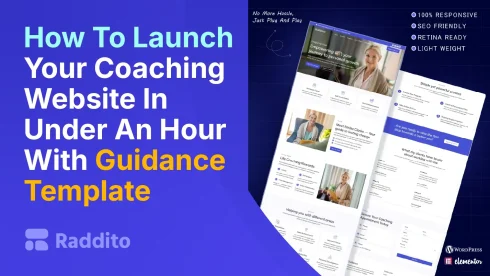
Life coaches want an online presence. But tech hurdles and time constraints hold them back. Raddito’s Guidance template solves this. It lets you build a pro site fast. Follow these steps to launch in under an hour.
What Do You Need to Get Started?
Gather basics first. This keeps things smooth.
What Are the Prerequisites?
You need:
- A domain name and hosting plan.
- WordPress installed on your host.
- The free Elementor plugin.
- Raddito’s Guidance template downloaded.
Many hosts offer one-click WordPress installs. This takes minutes.
How to Install WordPress and Elementor?
Start with the foundation. Set up your site base.
What Are the Quick Steps for WordPress?
- Log into your hosting panel.
- Find the WordPress installer.
- Click install and fill in details.
- Wait a few minutes for setup.
Now, add Elementor.
How to Add Elementor Plugin?
- Go to your WordPress dashboard.
- Click Plugins > Add New.
- Search for Elementor.
- Install and activate it.
This plugin powers drag-and-drop edits.
How to Import the Guidance Template?
Importing is easy. It brings in the design fast.
What Are the Import Steps?
- Buy and download Guidance from raddito.net.
- In WordPress, go to Templates > Saved Templates.
- Click Import Templates.
- Upload the Guidance file and import.
- Apply to a new page.
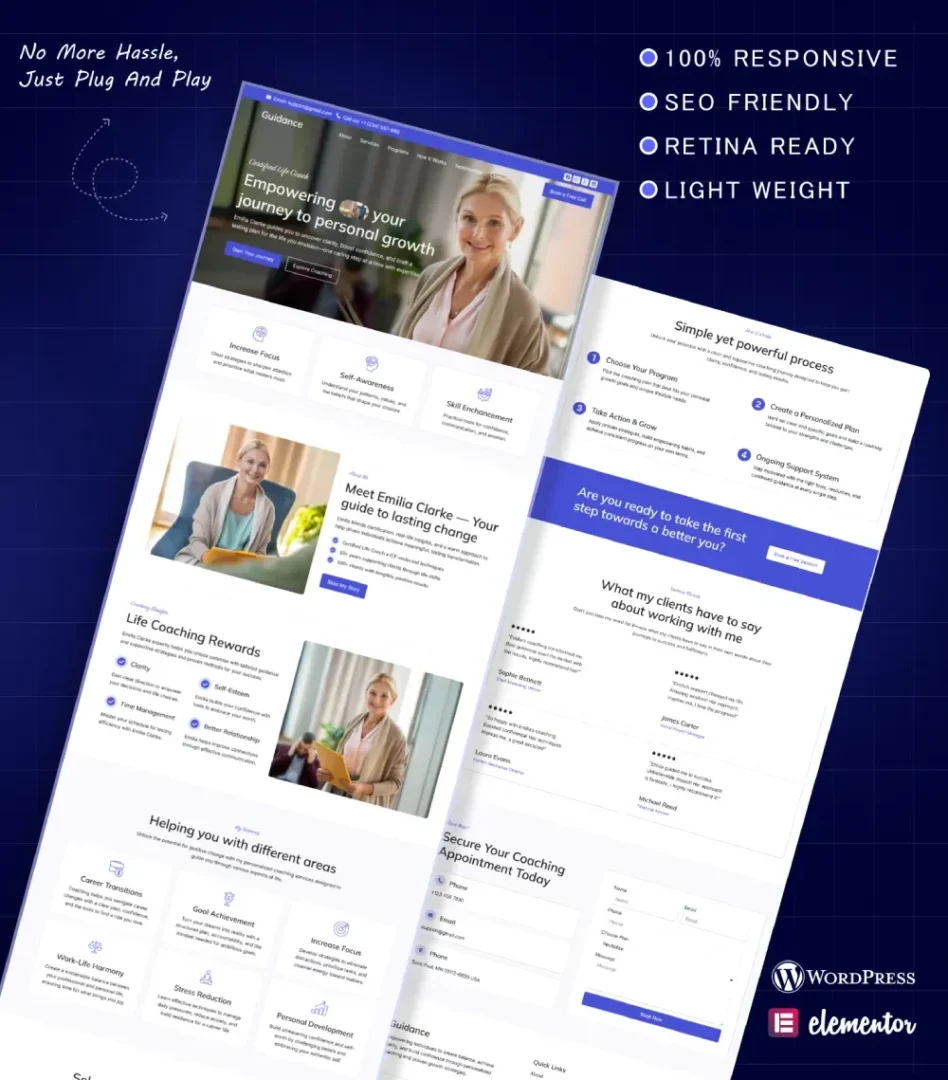
The template loads with responsive layouts and SEO features.
How to Customize It for Your Brand?
Make it yours. No coding needed.
What Customization Options Are There?
Use Elementor to:
- Drag sections around.
- Change colors and fonts.
- Add your logo and images.
- Update text for services and testimonials.
Keep it simple. Focus on your coaching niche. This step takes 20-30 minutes.
How to Preview and Launch Your Site?
Final checks. Then go live.
What Are the Last Steps?
- Preview the page in Elementor.
- Fix any tweaks.
- Click Publish.
- Set as homepage if needed.
Your site is up. Attract clients with its clean, converting design. At Raddito.net, our templates like Guidance make this effortless. Explore free options too.
FAQs
No. Drag-and-drop handles most tasks.
Just minutes. Full setup under an hour.
Upgrade to premium for extras like custom forms.
We focus on coach-friendly designs. Easy, affordable, and built for growth.