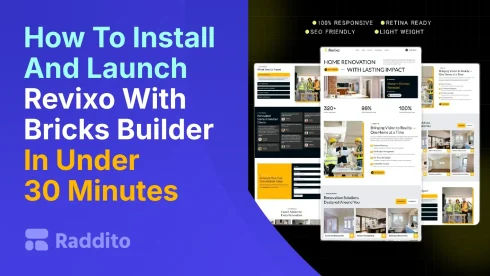
Starting a renovation site feels daunting. Tech hurdles slow you down. Revixo makes it easy. This step-by-step guide gets you live in under 30 minutes. Perfect for beginners. Use our Bricks Builder template from Raddito to showcase your work fast.
What Do You Need to Get Started?
Prep is key. Gather these basics first.
What Are the Requirements?
- A WordPress site on hosting.
- Bricks Builder plugin.
No coding skills needed. Raddito’s expertise in WordPress ensures smooth setup.
How to Download and Prepare Revixo?
Begin with the template.
Where Do You Get It?
- Visit raddito.net.
- Find Revixo under products.
- Purchase and download the zip file.
It’s quick. Our premium templates save time.
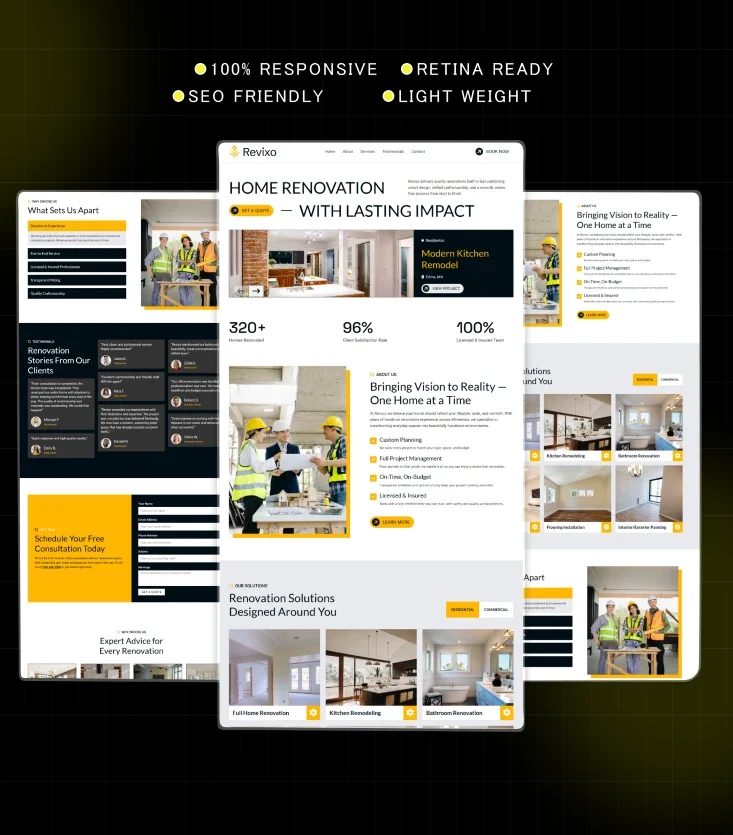
How to Set Up WordPress and Bricks?
Base your site right.
What If WordPress Isn’t Installed?
- Choose hosting like SiteGround or Bluehost.
- Install WordPress via their dashboard.
How to Add Bricks Builder?
- Log into WordPress.
- Go to Plugins > Add New.
- Search for Bricks Builder.
- Install and activate.
Raddito specializes in Bricks tools. We make integration seamless.
How to Import Revixo into Bricks?
Core step here.
What Are the Import Steps?
- In WordPress, go to Bricks > Templates.
- Click Import Templates.
- Upload the Revixo zip file.
- Select and import sections.
Done in minutes. Visual editor lets you see changes live.
How to Customize and Launch Your Site?
Make it yours.
What Customization Tips Work Best?
- Edit colors and fonts via Bricks.
- Add your logo and images.
- Update text for your services.
How Do You Go Live?
- Preview the page.
- Hit Publish.
Test on mobile. Revixo is responsive.
Raddito offers more templates in Elementor or Tailwind. Free options too. Our UI/UX focus builds trust.
FAQs
Get affordable plans from reliable providers. Install WordPress there.
It has a free trial. Buy for full features.
Yes. Bricks drag-and-drop handles it.
Under 5 minutes. Whole process: 30 max.
Contact us for support. Explore our UI kits and templates for other niches.