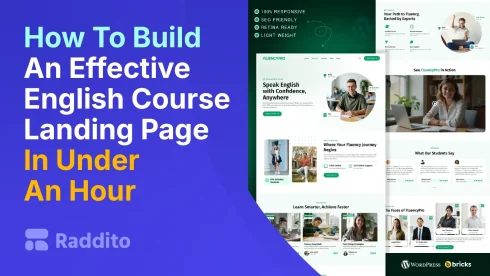
Tired of spending days on a landing page that sells your English course? You don’t have to. With FluencyPro from Raddito.net and Bricks Builder, you can launch a pro-level page in under 60 minutes. It’s fast, easy, and boosts sign-ups right away.
Why Do You Need a High-Converting Landing Page for Your English Course?
A great landing page grabs attention and turns visitors into students. It highlights your course benefits, builds trust, and drives enrollments.
What Makes a Landing Page Convert?
- Clear headlines that promise results.
- Eye-catching visuals.
- Simple sign-up forms.
- Social proof like testimonials.
FluencyPro handles all this out of the box. As experts at Raddito.net, we’ve designed it for language teachers and schools to save time and get results.
What Is FluencyPro and How Does It Work with Bricks Builder?
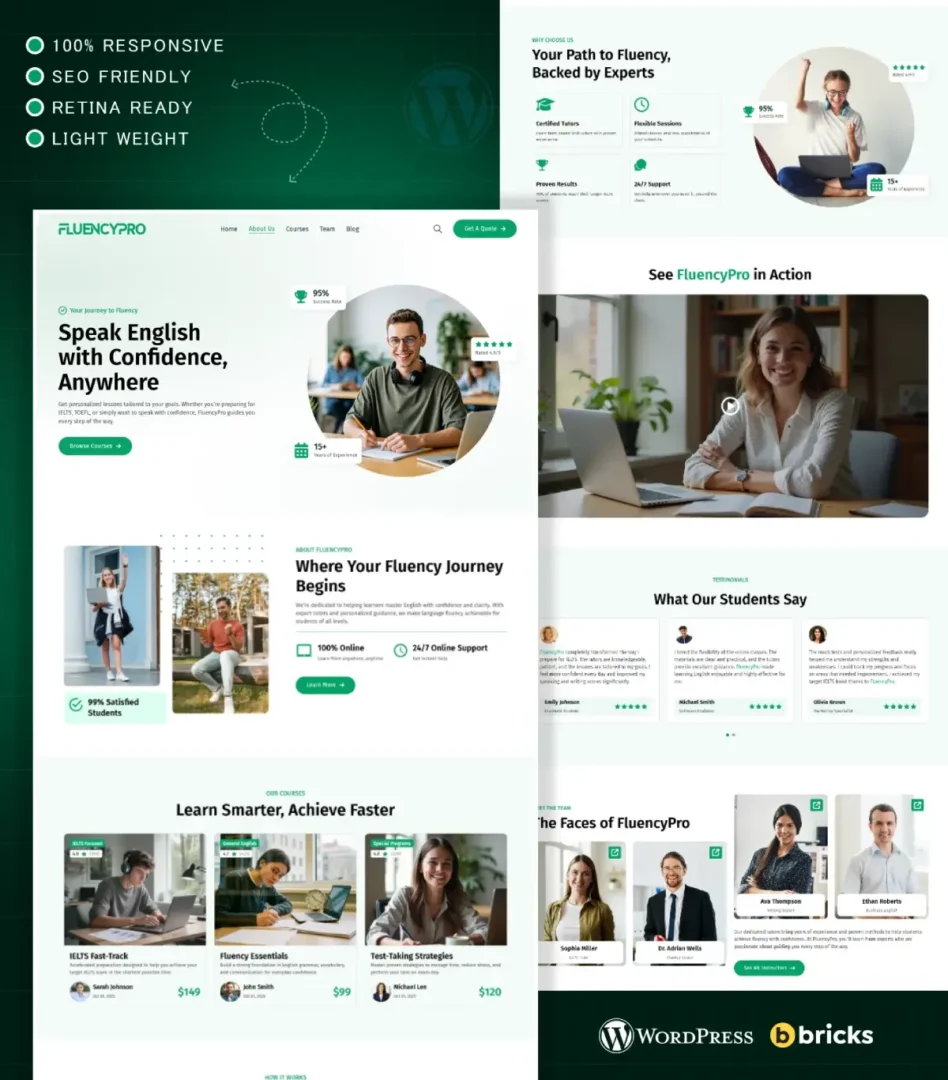
FluencyPro is our premium WordPress template for English course sellers. It’s built for Bricks Builder, a drag-and-drop tool that makes customization a breeze.
Why Choose FluencyPro?
- Responsive design for all devices.
- SEO-ready to attract more traffic.
- Fast load times to keep visitors engaged.
- Customizable colors, fonts, and sections.
At Raddito.net, we specialize in UI/UX for niches like education. Our templates, including FluencyPro, help businesses launch quickly without coding skills.
How Do You Set Up FluencyPro in Under an Hour?
Follow these steps. You’ll need WordPress installed and Bricks Builder plugin activated.
Step 1: Download and Import the Template
- Visit Raddito.net and grab FluencyPro.
- Log into your WordPress dashboard.
- Go to Bricks > Templates.
- Import the downloaded file. It takes seconds.
This pre-built layout gives you a ready-to-go structure.
Step 2: Customize the Key Sections
Use Bricks’ editor for drag-and-drop changes.
- Edit the hero section: Add your course name and a strong call-to-action.
- Update benefits: List what students gain, like “Speak fluently in 30 days.”
- Add testimonials: Drop in quotes or reviews.
- Set up the form: Connect to your email tool for sign-ups.
No code needed. Our template’s design ensures it looks modern and professional.
Step 3: Optimize for Conversions
- Add SEO titles and meta descriptions.
- Test mobile view.
- Publish and share.
Raddito.net offers support if you need tweaks. Many users see higher conversions right after launch.
What If You Need More Options?
Raddito.net has alternatives. Try our Elementor or Breakdance versions if you prefer those builders. Or go with HTML/Tailwind for non-WordPress sites.
Our free templates are a great start too. Upgrade to premium for advanced features.
FAQs
No, it’s a premium template. But Raddito.net offers free options to test our quality.
Not at all. Bricks Builder makes it visual and simple.
Under an hour for basics. More if you add custom graphics.
Yes, tweak it for any language or skill-based program.
Check Raddito.net support or our community forums. We’re here to help.