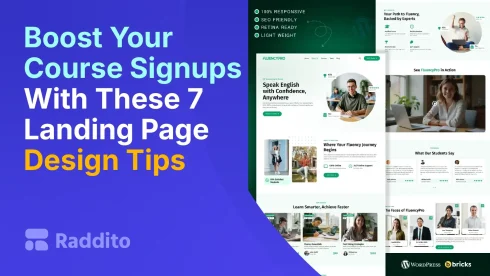
Low signups for your online course? Your landing page might be the issue. Fix it with these 7 tips. Each uses a FluencyPro feature from Raddito.net. This template boosts conversions fast. It’s built for educators like you.
How Can a Compelling Hero Section Grab Attention?
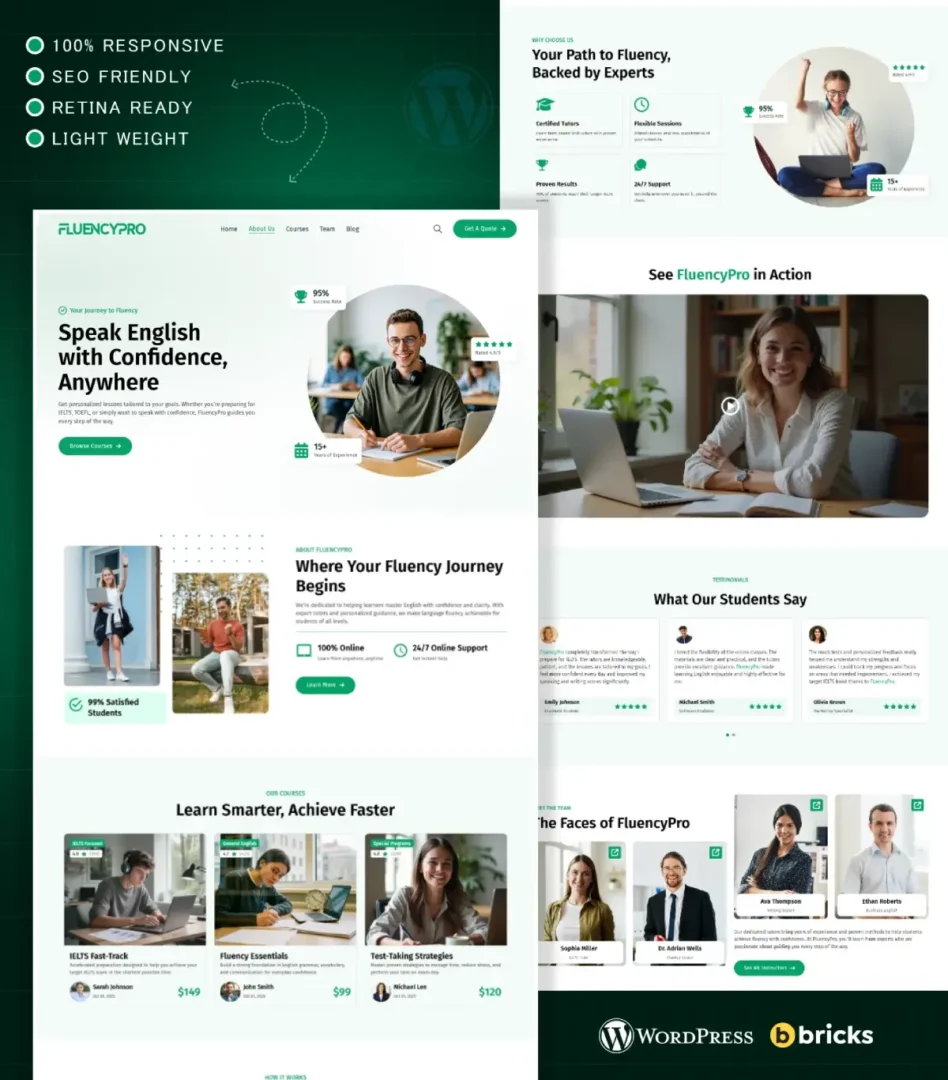
The hero section is your first impression. Make it count. A strong headline and image hook visitors right away.
Tip 1: Craft a Bold Headline and Visual
- Promise clear value, like “Learn English Fluently in Weeks.”
- Pair with an engaging image.
FluencyPro includes a ready hero section. Customize it in Bricks Builder. Our UI/UX experts at Raddito.net designed it for high engagement.
Why Should You Highlight Key Benefits Clearly?
Visitors want to know what’s in it for them. List benefits simply. This builds interest.
Tip 2: Use Bullet Points for Benefits
- Focus on outcomes, not features.
- Keep it short and scannable.
In FluencyPro, the benefits section uses icons and space. It makes your course perks pop. Raddito.net templates ensure easy reading.
How Do Testimonials Build Trust?
Proof from others sells your course. Add real reviews to show results.
Tip 3: Include Social Proof
- Use quotes with names and photos.
- Place them where doubts arise.
FluencyPro has a built-in testimonials area. Drop in your reviews. As WordPress pros, we at Raddito.net know this boosts trust.
What Makes Calls-to-Action Effective?
Guide visitors to sign up. Weak CTAs lose leads.
Tip 4: Add Clear, Bold CTAs
- Use action words like “Enroll Now.”
- Make buttons stand out.
FluencyPro features multiple CTAs in key spots. They’re colorful and urgent. Our designs at Raddito.net drive more clicks.
Why Is Mobile Optimization Key?
Most users browse on phones. A non-mobile page turns them away.
Tip 5: Ensure Responsiveness
- Test on all devices.
- Adapt layouts automatically.
FluencyPro is fully responsive. It looks great on mobiles. Raddito.net specializes in this for better user experience.
How Does Fast Loading Help Conversions?
Slow pages frustrate. Visitors leave before signing up.
Tip 6: Optimize for Speed
- Compress images.
- Use clean code.
FluencyPro loads quickly with optimized elements. It reduces bounce rates. Trust our expertise at Raddito.net for performance.
Why Add SEO to Your Landing Page?
SEO brings in free traffic. Rank higher for course searches.
Tip 7: Include SEO Basics
- Add keywords in headlines.
- Use meta tags.
FluencyPro is SEO-ready with structure and tags. Attract more students. Raddito.net templates help you grow online.
Ready to Apply These Tips?
Start with FluencyPro from Raddito.net. It’s easy to set up. Check our free templates too. Or explore versions for Elementor and more.
FAQs
A premium template for English course landing pages. Built for Bricks Builder.
Yes. Adapt them for any online program.
Minutes with drag-and-drop. No code needed.
Raddito.net offers support and UI kits.
Yes. Try our free WordPress templates on Raddito.net.